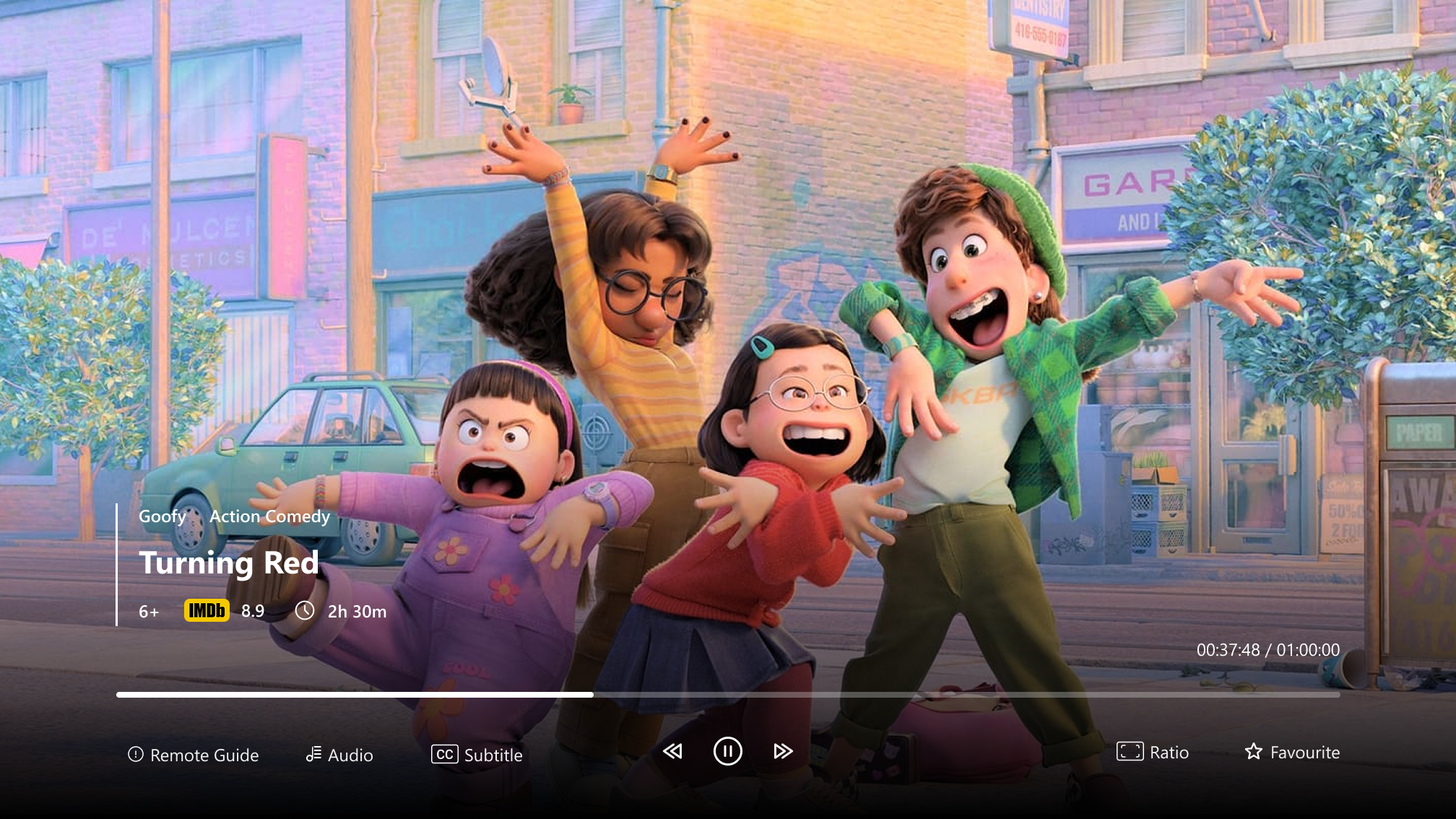
1: Remote Guide
Use your remote to easily navigate the interface. Familiarize yourself with the directional buttons, OK/enter button, and back or menu buttons for efficient control of the device and its features.
2: Audio
Adjust the audio settings for your desired experience. Select the audio preferences, including different languages or audio channels, based on availability. Use the audio button on your remote or the on-screen menu.
3: Subtitles
Enable subtitles for your preferred language. Access subtitle options directly via the subtitle button on your remote or through the on-screen menu to customize size, color, and language if available.
4: Favorites
Organize your favorite channels and programs for quick access. Add or remove items from the favorites list using the dedicated button on your remote or the on-screen menu.