How to Login Using QR Code
Login Using QR Code
How to Login Using QR Code (VIDEO)
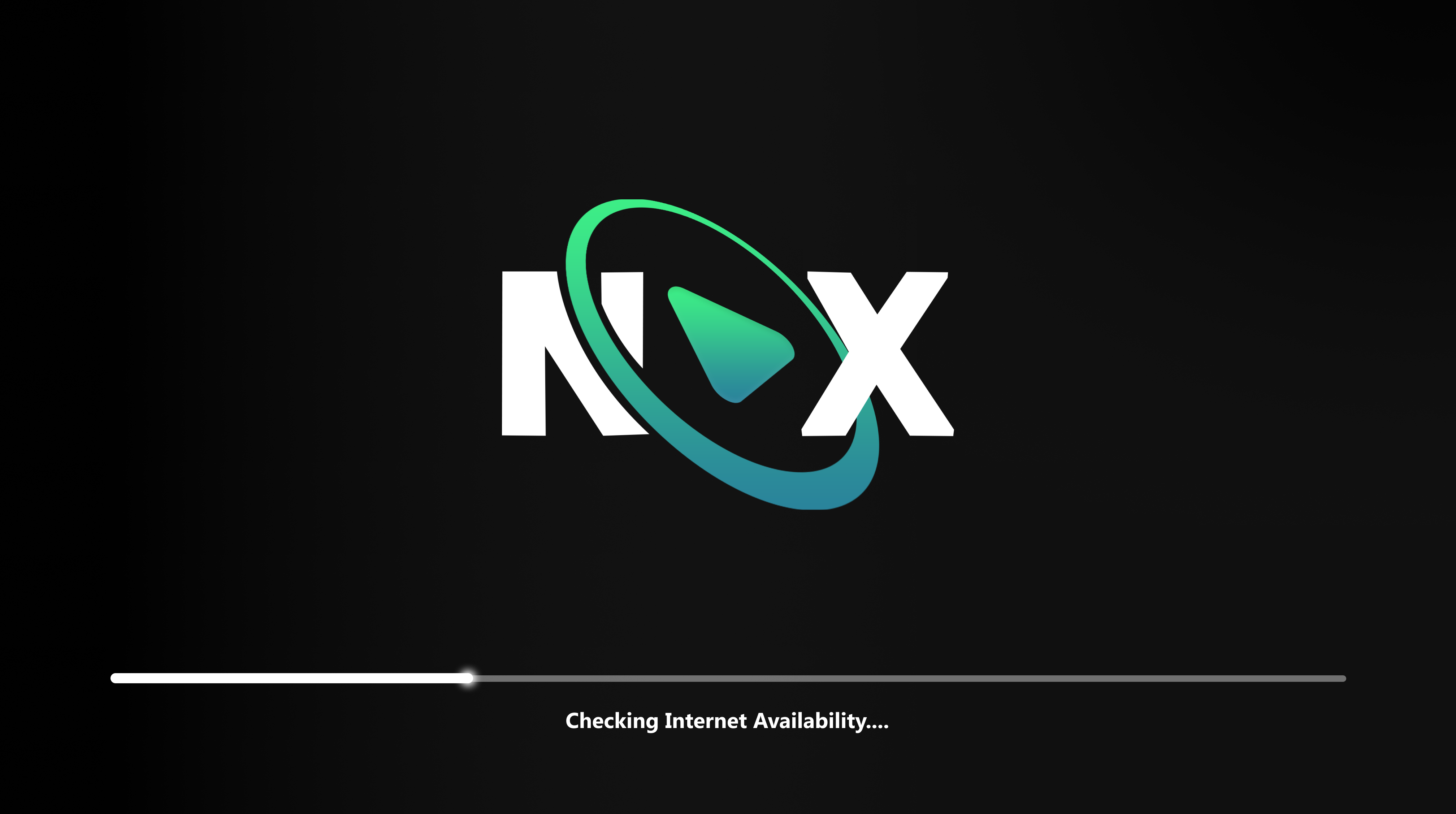
Step 1: Launch NOX App
Open the NoX App on your device. Upon launching, you’ll see the splash screen while the app initializes.
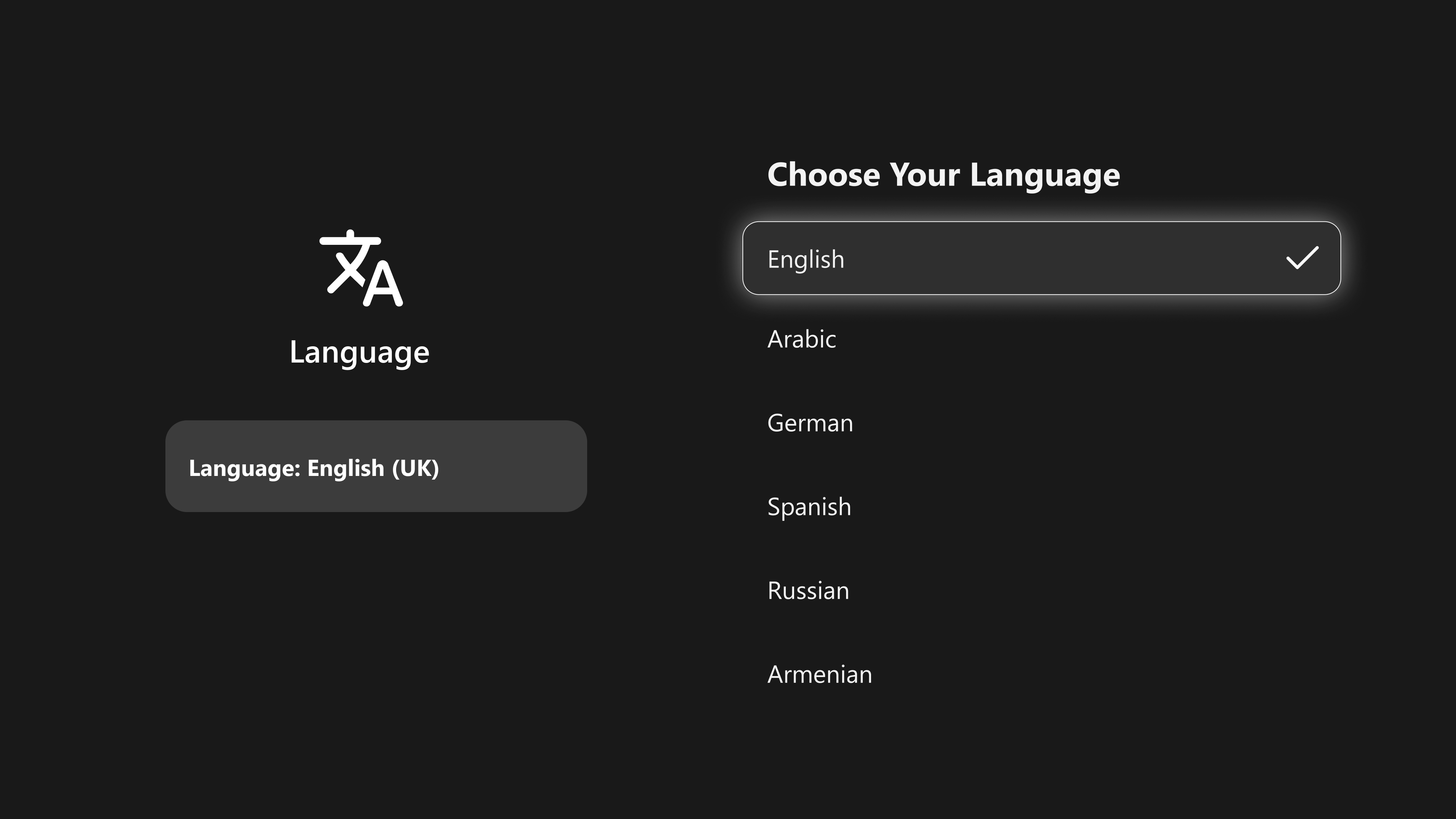
Step 2: Choose Your Language
The user can select their preferred language from the available options.
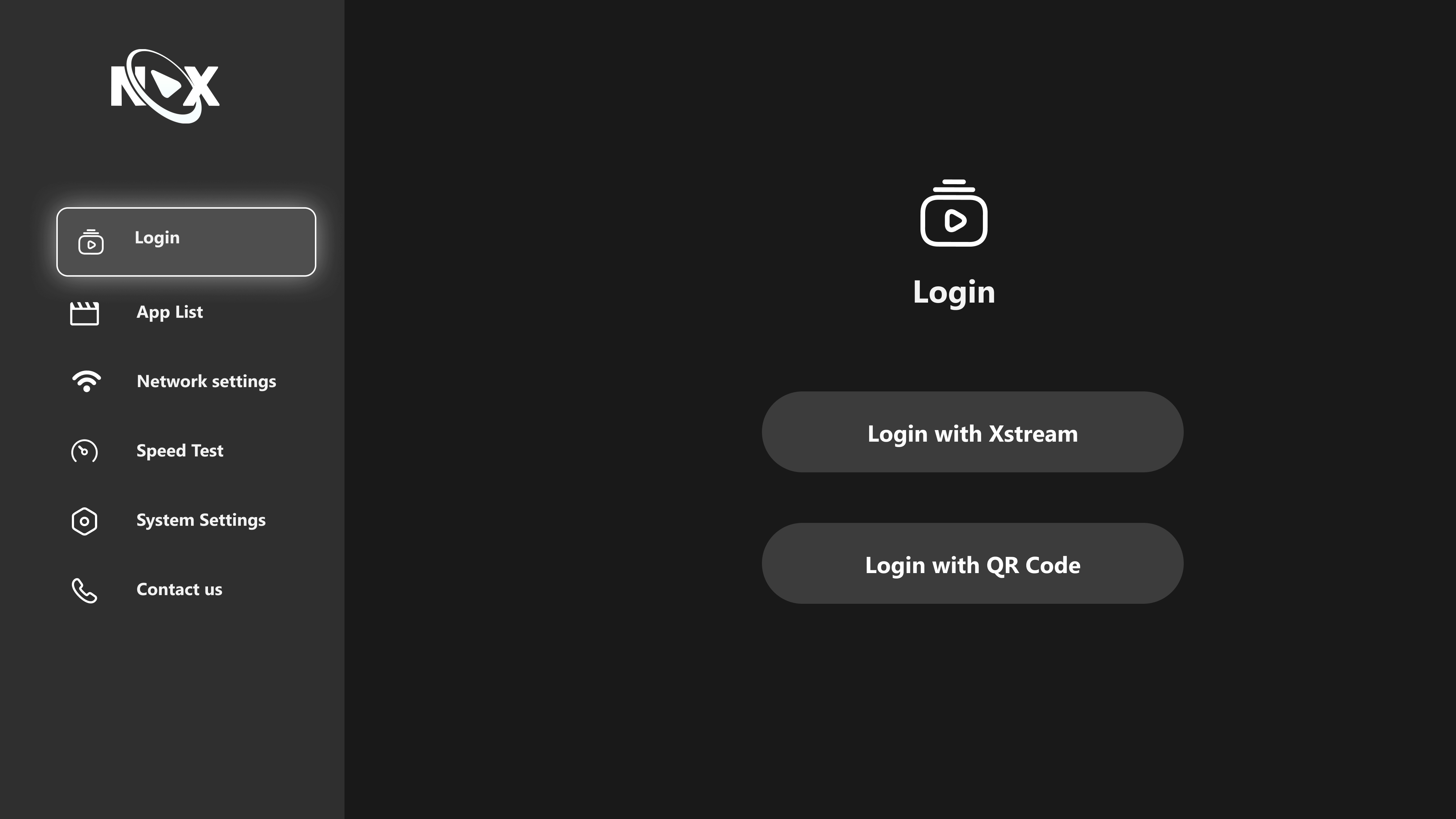
Step 3: Navigate to the Login Section
Select Login with QR Code and continue
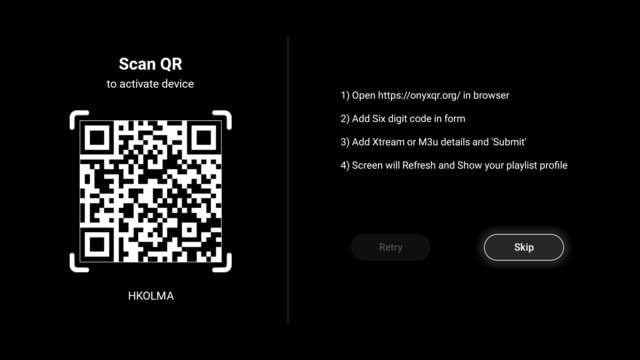
Step 4: Scan QR Code
Use your device to scan the QR code displayed on the screen. This will authenticate your login and allow access to the application.
Follow the on-screen instructions.
Do Check Our Guide On - How to Register or Login in Admin Panel - Click Here
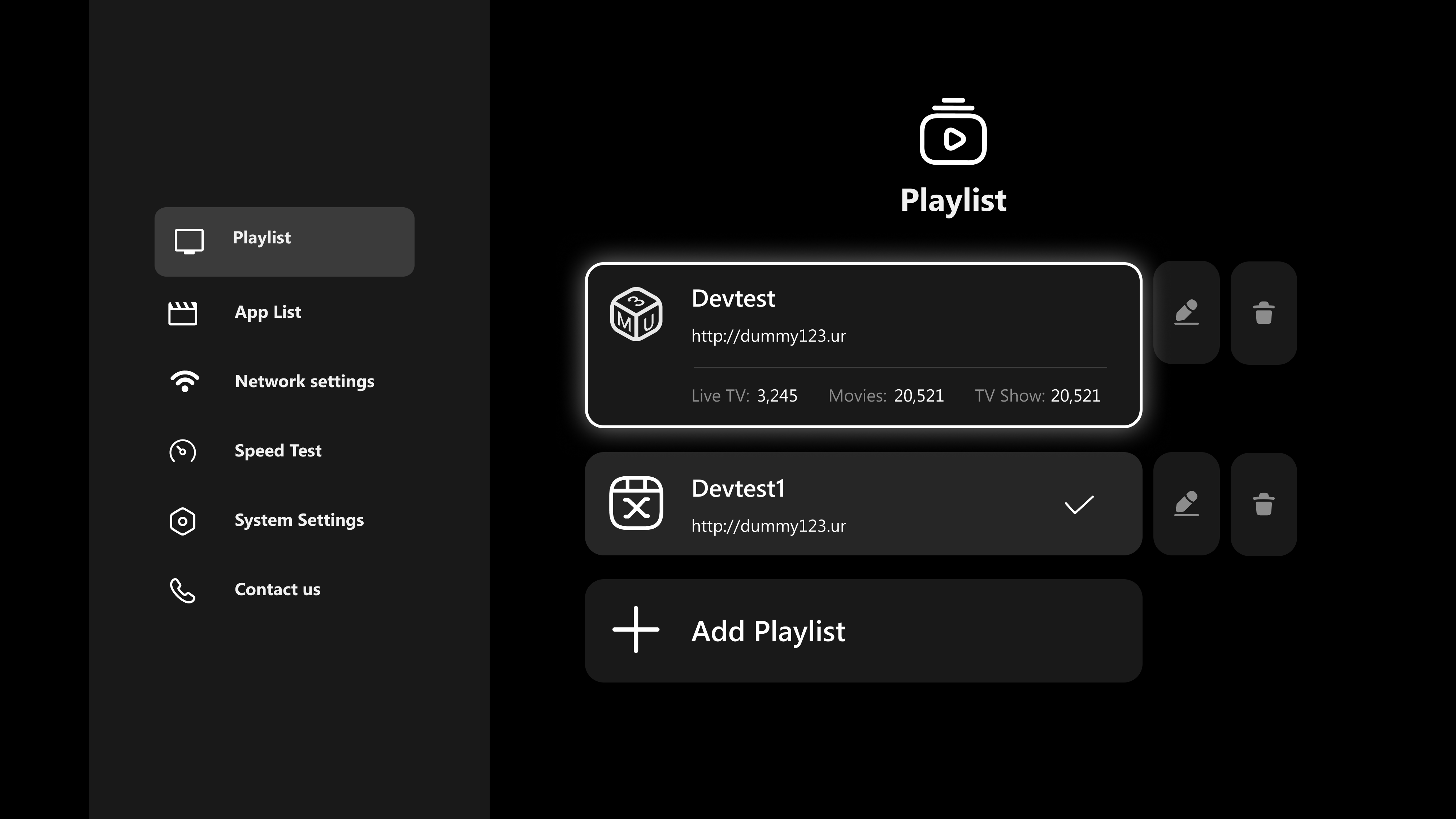
Step 5: Playlist
Click on the Playlist and continue
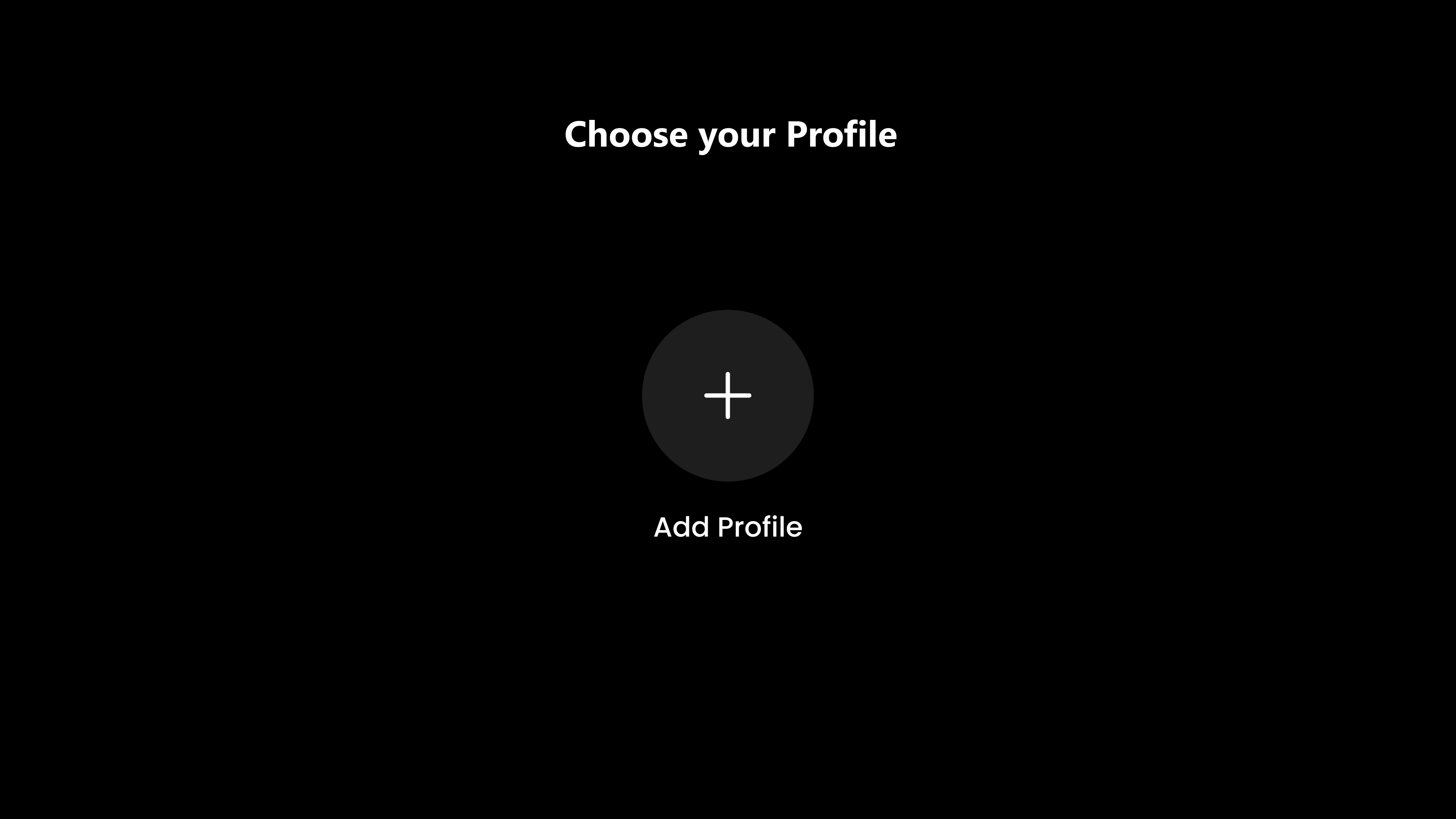
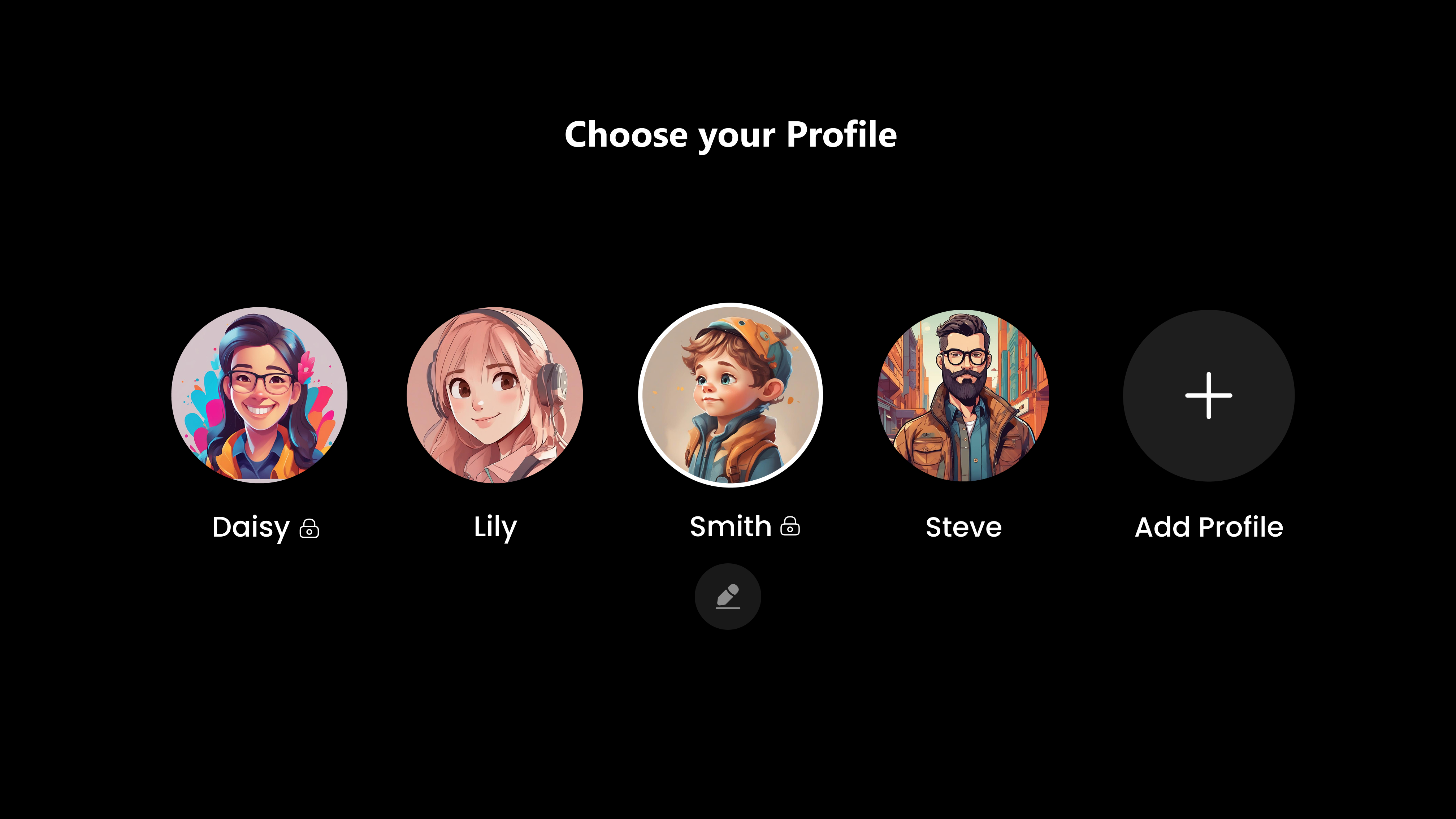
Step 6: Choose Profile
Click on Plus icon to add your Profile
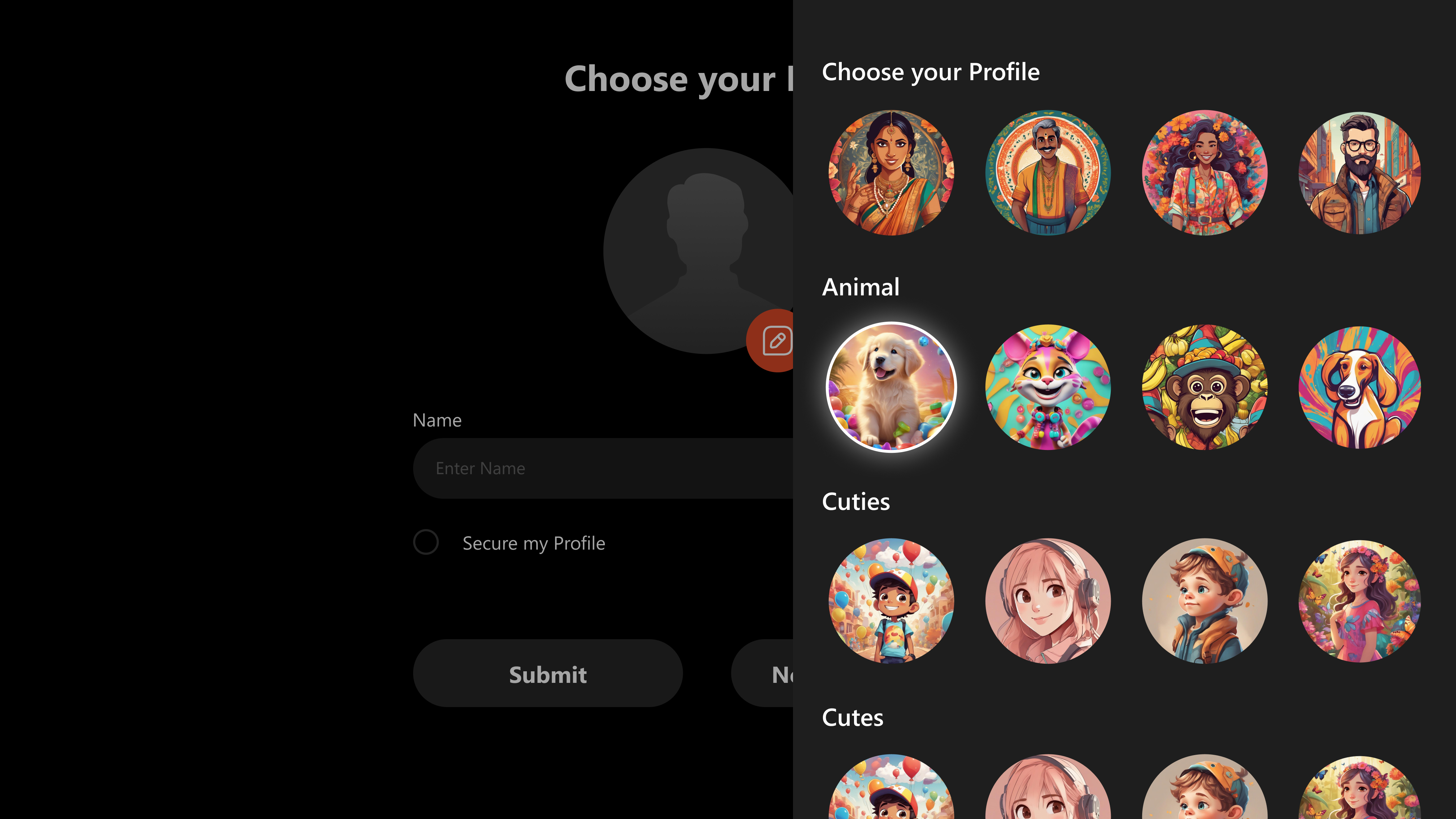
Step 7: Profile Avatar
Select any profile avatar from the options provided.
Step 8: Submit
Click on "Submit" after updating your Profile
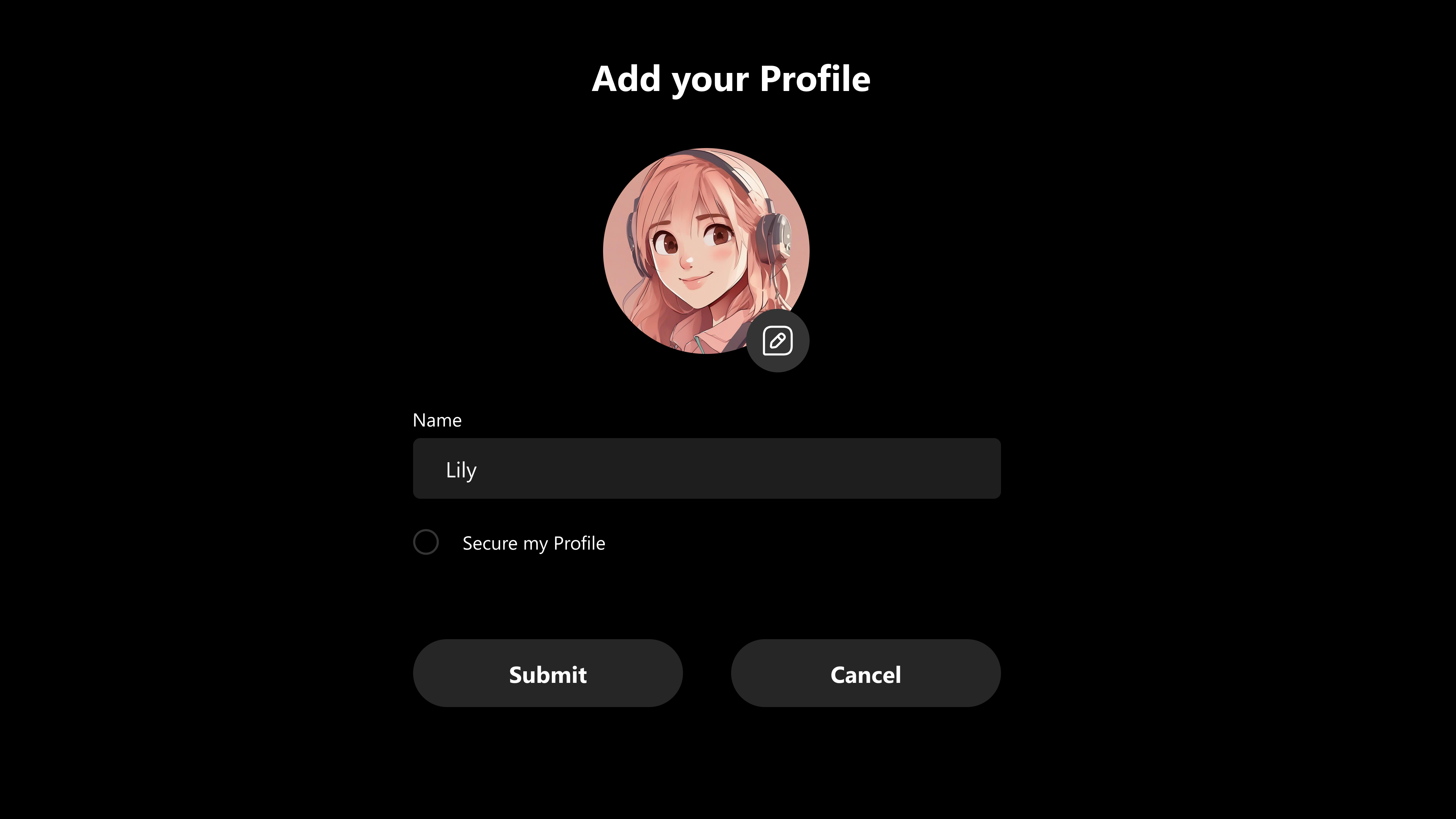
Step 9: Secure My Profile
Enter a four-digit number to secure your profile, then click Submit.
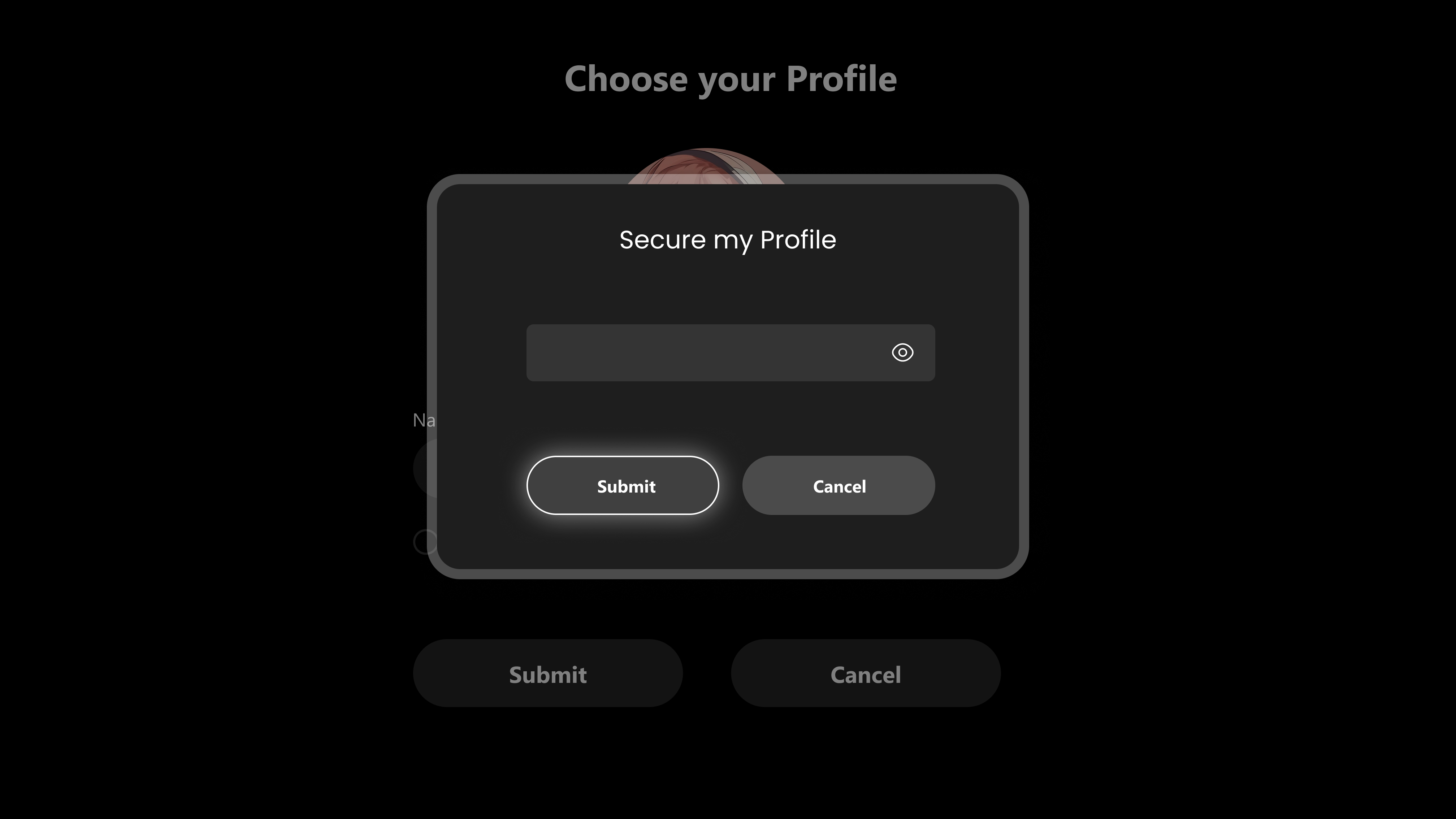
Step 10: Secure Your Profile
Select your Profile and Enter a four-digit number to continue.
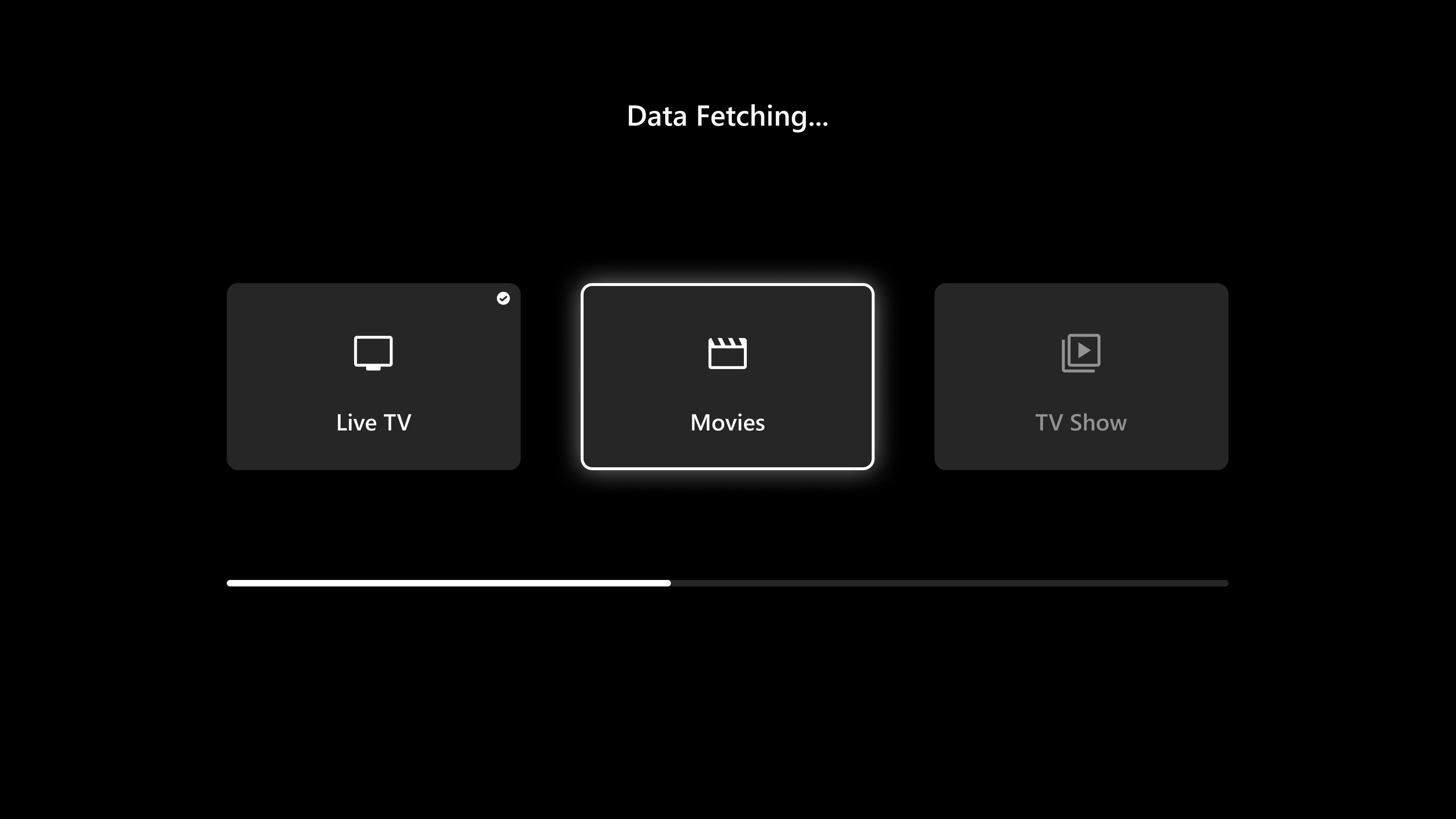
Step 11: Fetching Data
After selecting your profile, Xstream URL data will be Fetched, as seen in the below image
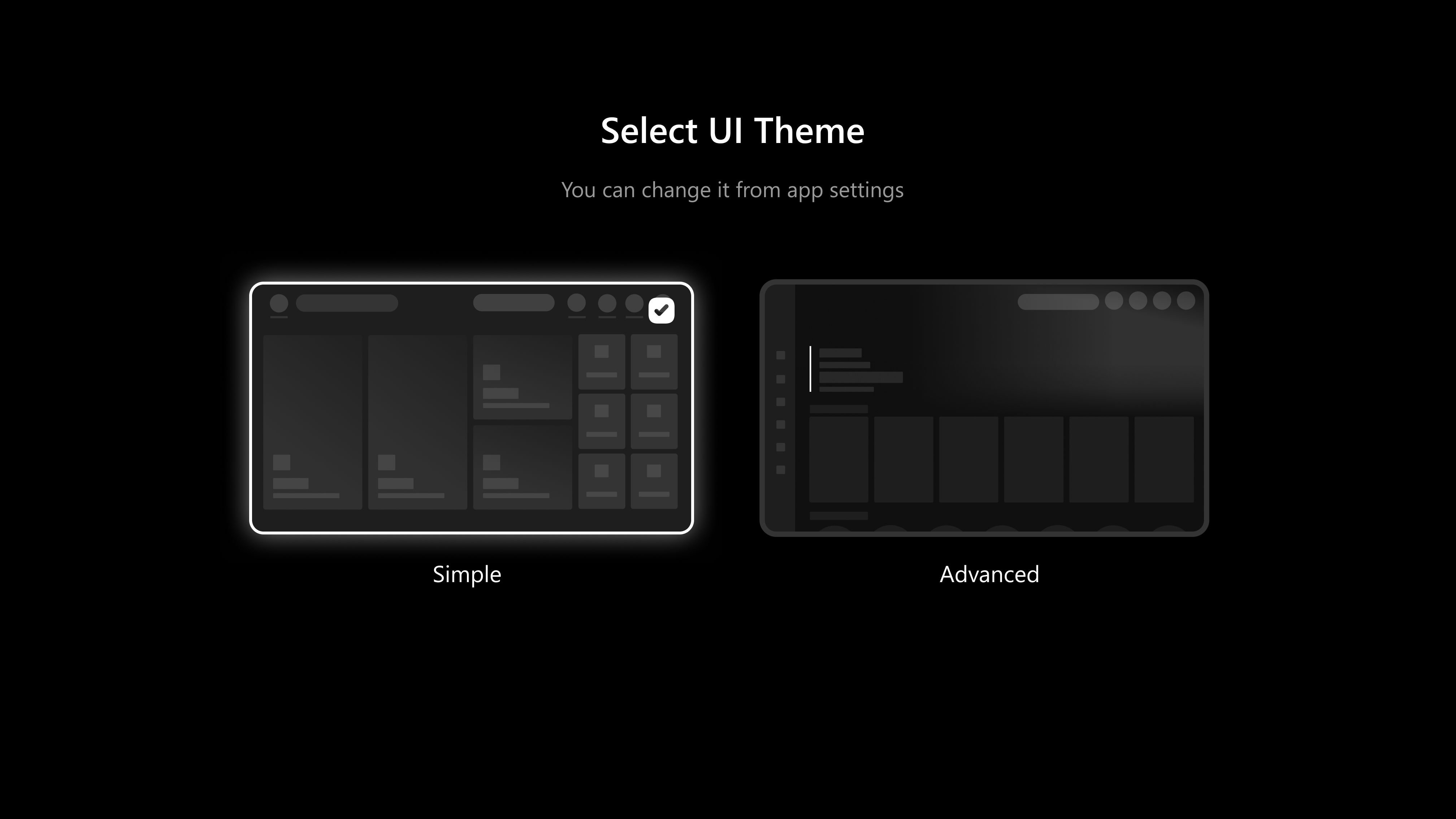
Step 12: Select UI Theme
User can choose either the Simple or Advanced UI theme based on your preference.
Step 13: Home Screen
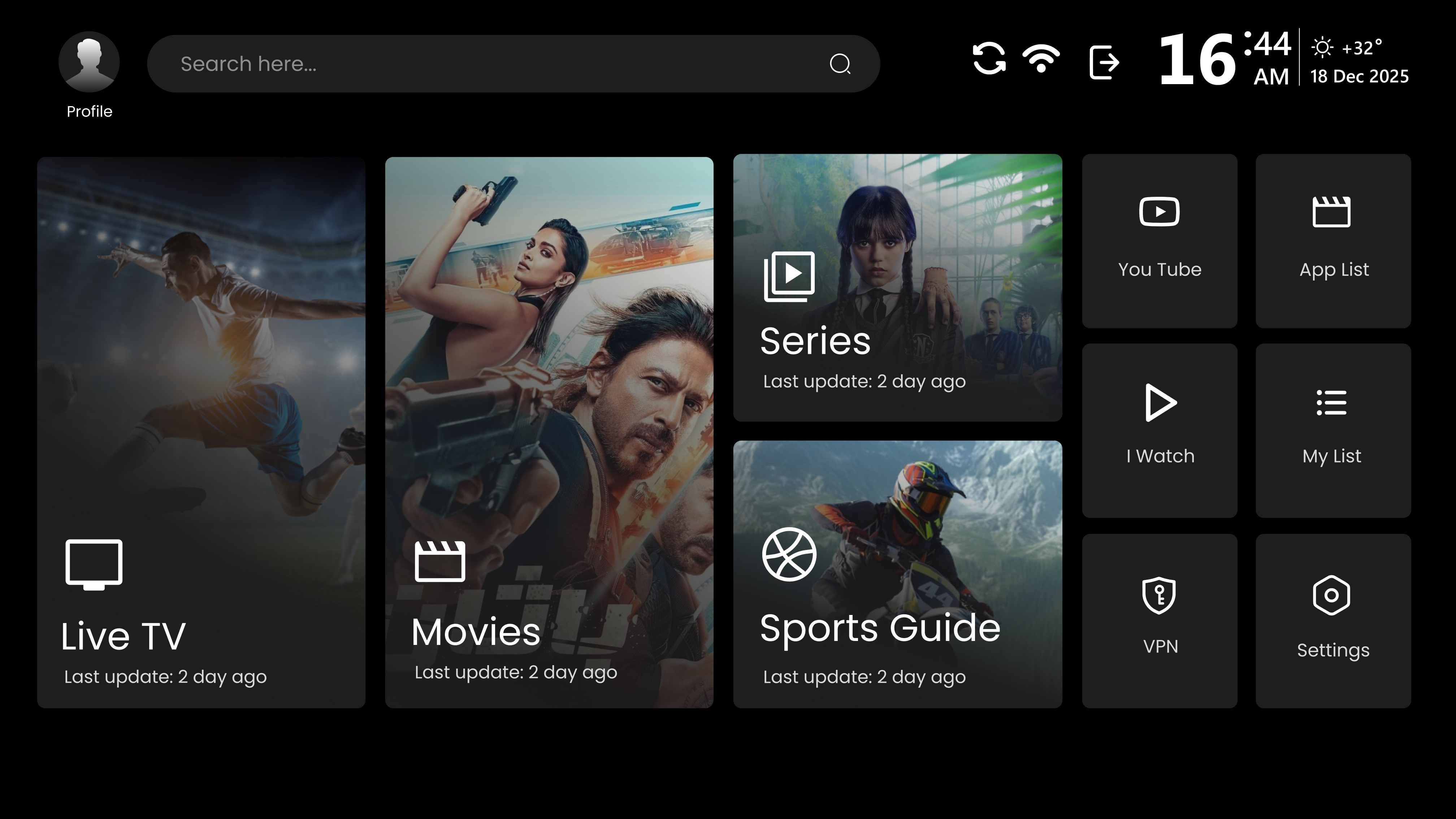
After completing the above steps, users will be directed to the Easy Player "Home Screen", as seen in the below image.